Key takeaways
- TrainBard MCP lets compatible AI agents run supported Pine Script backtests, sweep parameters, and retrieve metrics and full trade lists through your account.
- The app and MCP share one active run and the same plan limits; each successfully completed parameter combination uses one weekly allowance unit.
- Results remain available for up to 30 minutes rather than becoming a permanent history. Save the outputs with the settings that produced them.
TrainBard now has an MCP server. A compatible AI agent can run supported Pine Script strategies, sweep parameter ranges, and retrieve the results through your TrainBard account.
MCP stands for Model Context Protocol, a standard for connecting AI agents to external tools. The TrainBard connection lets an agent carry out a sequence of backtests and work with the results in the same research session.
What an agent can do
Through MCP, an agent can:
- Run a single backtest with one set of parameters.
- Sweep a range of input values and retrieve the result table.
- Run a detailed backtest with performance metrics and the full trade list.
- Sort and retrieve results from a run it submitted.
- Check the account’s remaining research allowance and plan limits.
You can specify the market, timeframe, date range, starting balance, and trading fees for each test. Parameter sweeps return the input values alongside metrics such as return, drawdown, win rate, and trade count.
Where automation fits into research
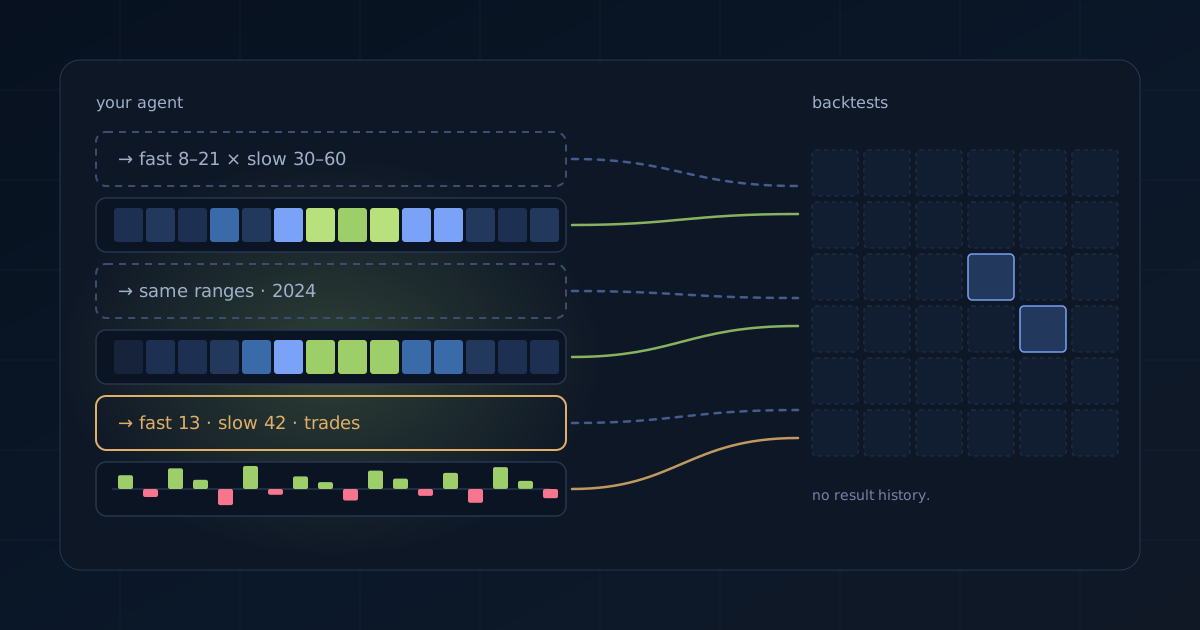
Consider a moving-average strategy with two lengths to test. An agent can submit a sweep across both ranges, compare the returned rows, and run selected settings over another date range. If a result needs closer inspection, it can request a detailed backtest to examine the trades.
This lets you delegate repeated test submissions and result handling while keeping the test plan explicit. The strategy, assumptions, and parameter ranges still determine what the experiment asks. Your criteria for comparing results determine what deserves a follow-up.
Keeping those settings with the outputs also makes the work easier to review. A result is more useful when you can identify the script, period, fees, and inputs that produced it.
Account limits apply
MCP runs use the same research allowance and plan limits as runs in the web app. Each successfully completed parameter combination uses one unit of the weekly allowance. Failed combinations do not count.
One run can be active at a time across the app and MCP. Your plan’s limits on sweep size and date range also apply.
Connect an agent and keep your results
In the TrainBard app, open Settings → MCP to create an access token for a compatible client. You can revoke it from the same screen. Claude Code is one supported client; check Documentation → Integrations → MCP access in the app for connection requirements.
TrainBard returns results to your MCP client and keeps them available for up to 30 minutes after a run finishes. It does not create a permanent result history. Have your agent save the outputs you want to keep, along with the test settings. Your chosen client’s own storage and privacy settings apply to what it receives.